PromptReel › Fixes · 中文首页
Fixes · 修复
Fix: Stop Fake Captions Appearing in the Frame
修复:避免画面里自动出现假字幕
English prompt
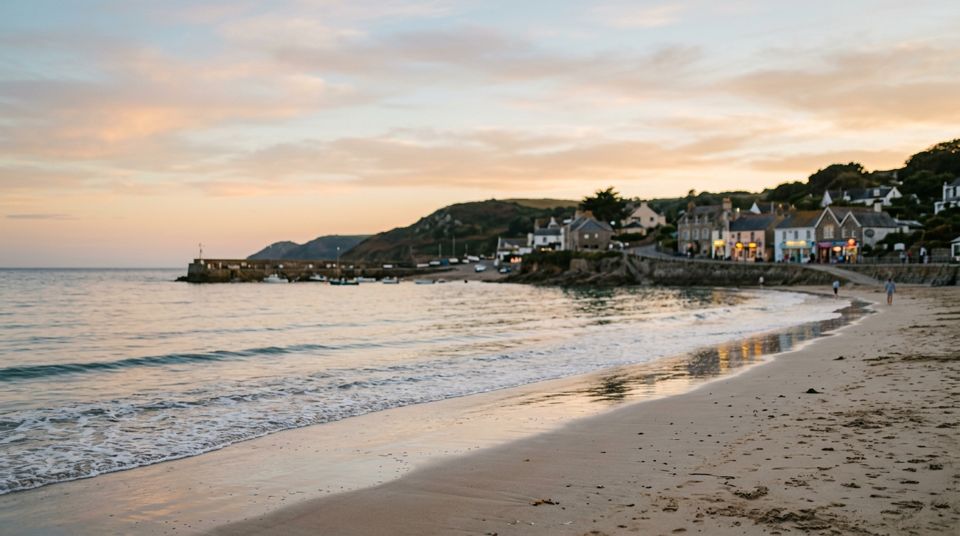
… no subtitles, no captions, no on-screen text, no watermarks, no logos anywhere in the frame; the bottom third of the image stays clean natural scenery; any signs in the background are blurred out of focus and unreadable.
Tip: Add as a closing sentence to any prompt; naming the bottom third targets where models usually invent captions.
中文提示词
……画面中任何位置都不要出现字幕、说明文字、屏幕文字、水印或标志;画面下三分之一保持干净的自然场景;背景里的招牌一律虚焦、不可辨认。
技巧:加在任意提示词末尾;点名“下三分之一”正是模型最爱编造字幕的位置。
How to use it · 怎么用
- Copy the prompt and paste it into Veo 3, Kling, Seedance. 复制后粘贴到 Veo 3, Kling, Seedance(可灵、即梦可直接用中文,Veo 3 建议用英文)。
- Replace anything in {braces} with your own subject. 把大括号里的内容换成你自己的。
- If the clip flickers or shakes, add a line from Fixes. 画面不稳就加一条修复语句。
More fixes prompts · 更多修复提示词
- Stop flickering faces · 防止人脸闪烁
- Stop gibberish text · 防止乱码文字
- Calmer camera · 让镜头更稳
- Fix mangled hands · 修复手部畸形